Cómo comprobar la versión del firmware de tu teclado
A continuación se muestra el tutorial que explica cómo verificar la versión del firmware de tu teclado en tu Mac.
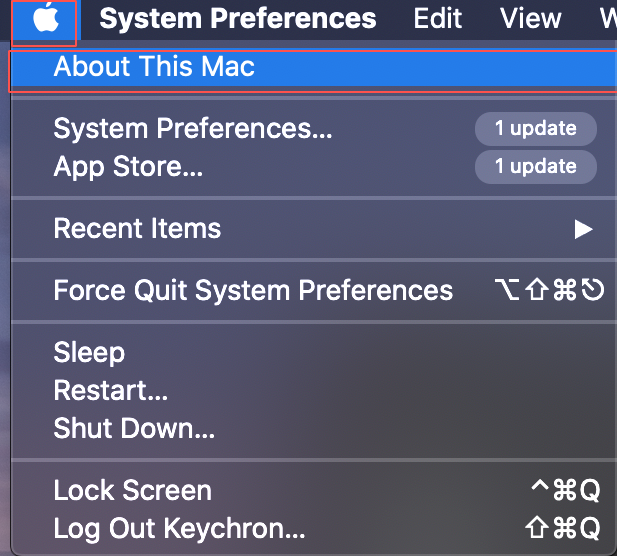
Paso 1: Haz clic en el ícono de Apple y selecciona la sección "Acerca de este Mac".
Paso 2: Haz clic en la sección "Informe del sistema".
Paso 3: Haz clic primero en la sección "USB" y luego selecciona el modelo de tu teclado en "USB Device Tree", encontrarás la versión del firmware de tu modelo de teclado.
Nota: Por favor, verifica la versión del firmware de tu teclado antes de usar el firmware para actualizar tu teclado. La versión del firmware del teclado debe ser la misma que la versión del firmware que usas.